Holiday Hours
Please note that our branches will be closed on Wednesday, July 1st for Canada Day.
Our contact centre will be open 9:30 am to 4:00 pm ET on July 1st. Online banking and ATMs are available for your convenience.
Ways to Bank
Debit Cards
Debit cards with more ways to pay
Your Alterna Savings debit card gives you secure access to your account for everyday banking.
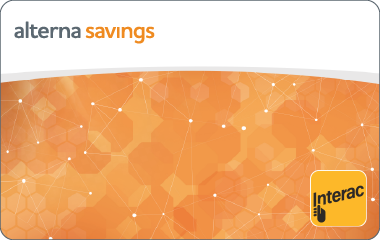
New white VISA® Debit cards use the VISA® network to add online and international purchasing — while still drawing funds directly from your account. VISA® Debit cards are not credit cards. Members who currently have the orange Alterna card, or a legacy debit card from a merged credit union that hasn’t yet been replaced, can continue to use their card for in-store purchases and ATM access until their new card arrives.
Where you can use your debit card
-
- In‑store purchases in Canada
- ATM access for withdrawals and other self‑serve transactions
- Pay for purchases at point-of-sale (POS) terminals instead of using cash
-
- Shop online and in-apps
- Make international purchases at merchants outside Canada and while travelling
Same account. Different card capabilities.
Your Alterna Savings account stays the same, regardless of which debit card you have.
During our gradual rollout, some members will continue using their current debit card, while others will have a debit card with VISA® Debit. Card capabilities depend on the debit card you’re using — not on your account type.
Members will continue using their current debit card until they receive a VISA® Debit card.
Card Design
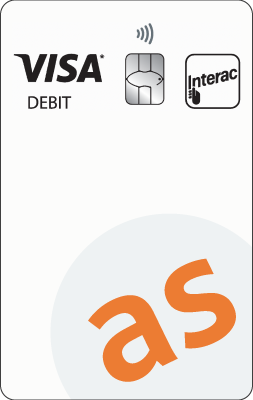
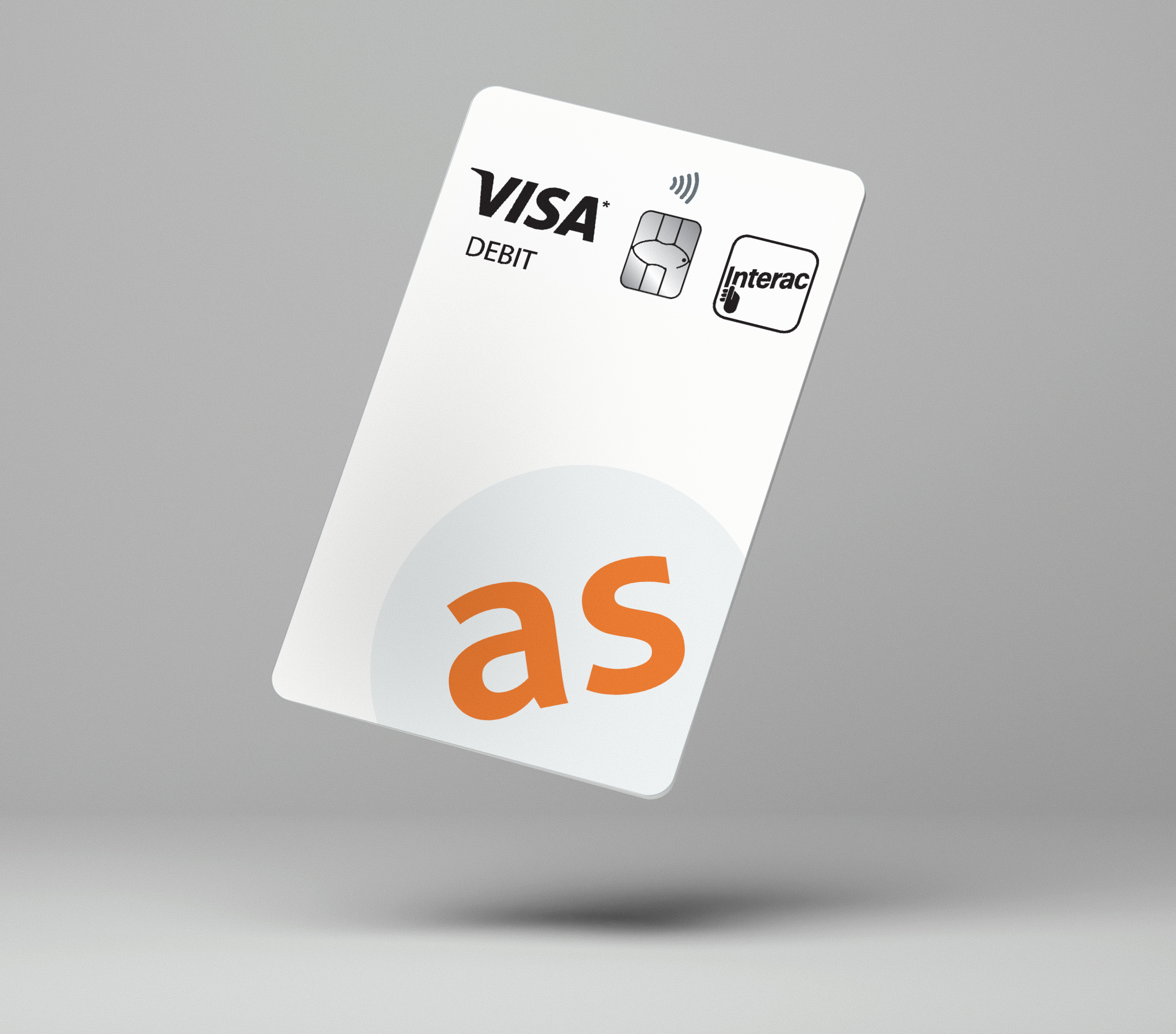
Alterna’s VISA® Debit have a refreshed design to help you recognize them easily:
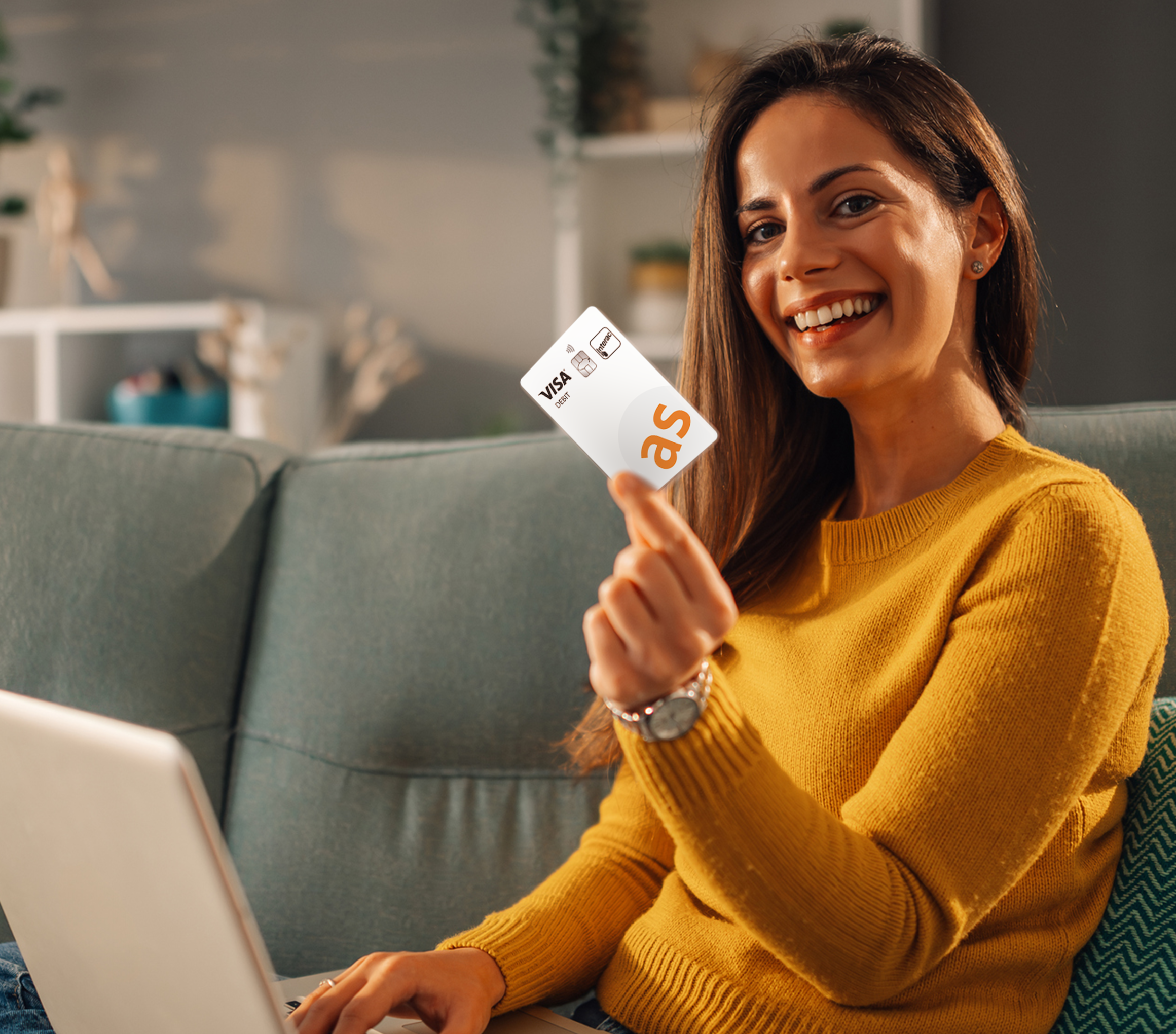
- White, vertical card design
- Card number and your name printed on the back
Security you can
count on
All Alterna Savings debit cards are protected by the security standards you already trust.
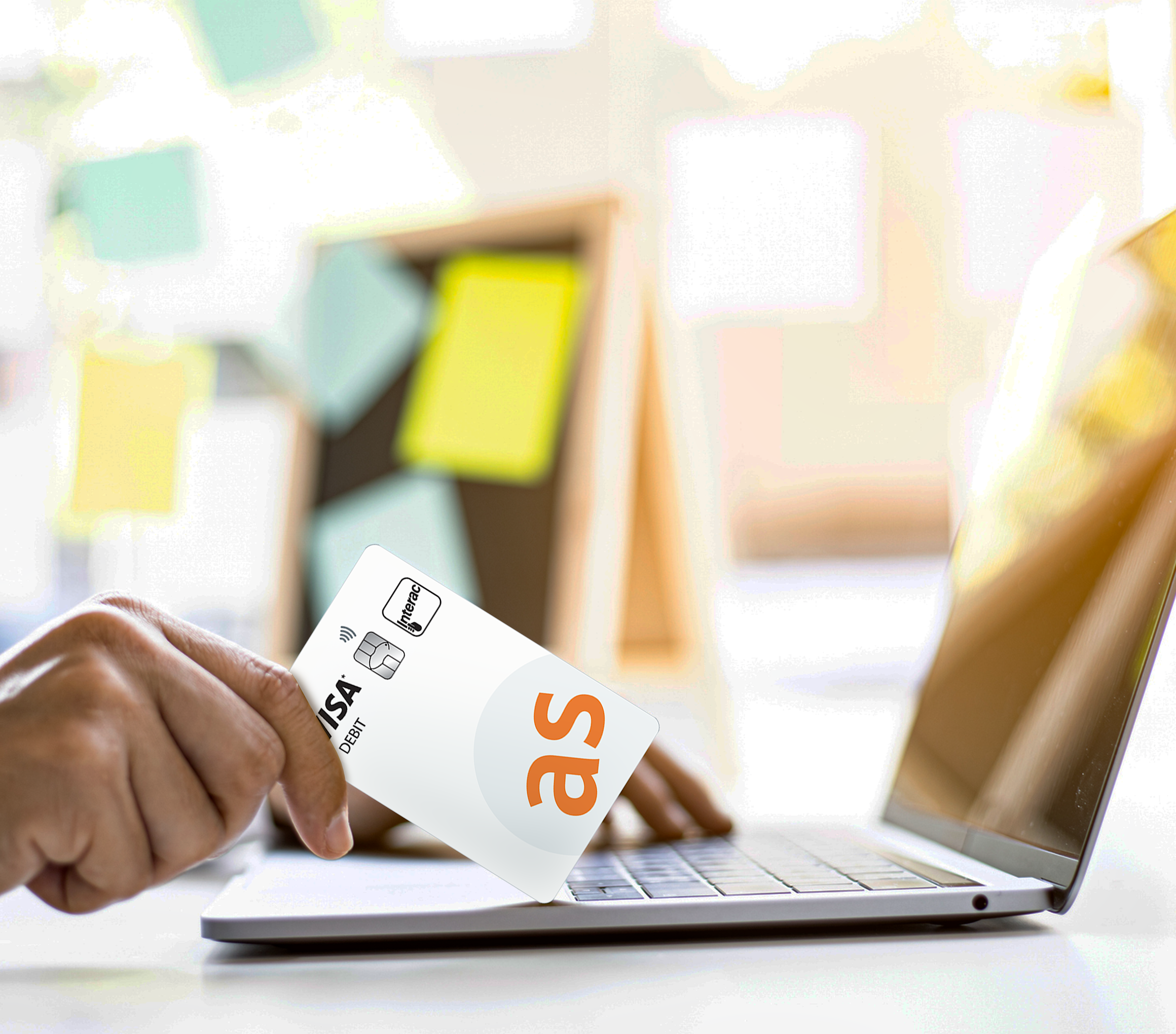
Debit cards with VISA® Debit include additional protections designed for online and international purchases, helping safeguard your account while you shop.
Your controls stay
the same
VISA® Debit cards have the same controls as our earlier debit cards:
- Existing controls on who can use the card and how it can be used remain the same
- Existing debit card limits apply
This applies to personal accounts as well as business, non‑profit, and other organizational accounts.
Your digital wallet.
It’s easy to pay with your phone.
Make mobile payments using your Alterna Savings debit card. Load your debit card to your mobile wallet and leave your ‘physical’ wallet at home.
Interac® Debit contactless payments
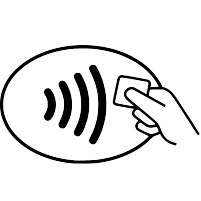
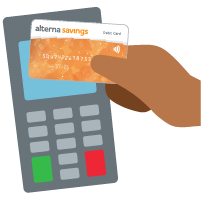
Interac® Debit contactless payments - a contactless payment feature of your Alterna Debit Card. Pay for smaller purchases faster and easier. Using it is as easy as 1,2,3.
Step 1
Look for the Interac® Debit contactless payments logo on the Payment terminal
Step 2
Hold your Alterna Debit Card to the payment terminal
Step 3
You will know your transaction has been completed when you see the "Approved" message
Lost or stolen card?
No worries - call us right away† at 1.888.807.4101.
To learn more, visit interac.ca.
Frequently Asked Questions
You've got questions.
We've got answers.
An Alterna VISA® Debit card is a debit card linked directly to your Alterna Savings account. It works for everyday in‑store purchases and ATM transactions, and it also lets you make online, in‑app, and international purchases wherever VISA® is accepted.
The main change is how you can use your card. Along with the in store and ATM banking you’re already familiar with, an Alterna VISA® Debit card can also be used online, in apps, and internationally wherever VISA® is accepted.
Your account stays the same — you’re still spending money directly from your account.
No. A VISA® Debit card is still a debit card, not a credit card. When you use it, the money is debited directly from your previously set up chequing or savings account . There’s no borrowing, no interest, and no monthly bill.
Activation depends on whether you already have a debit card and PIN with Alterna Savings.
First debit card with Alterna Savings: you will receive two mailings — one with your VISA® Debit card and another with your PIN. Once you have both, contact us to activate your card, then use it with your PIN in‑store or at an ATM.
Renewal or replacement card: activate your VISA® Debit card by using it with your existing PIN in‑store or at an ATM.
You can change your PIN at any Exchange Network® ATM in Canada. Simply insert your card into the ATM, and enter your existing PIN. Then, select the "Change PIN" option and follow the prompts to create a new PIN associated with your debit card.
To locate your nearest Exchange ATM, please visit https://alterna.ca/en/find-us or https://www.theexchangenetwork.ca/find-an-atm/
Protect Your PIN
Your PIN protects your accounts from unauthorized access.
Protect and keep your PIN safe by:
-
- Memorizing your PIN
- Do not reveal your PIN or allow anyone to use your card
- Do not keep your PIN and card in the same location
- Change your PIN frequently
You can use your VISA® Debit card for everyday banking in Canada (in‑store purchases and ATMs).
You can also use it for:
- Online and in‑app purchases
- Subscriptions and digital services
- International purchases wherever VISA® is accepted
You're still using your own money — the card simply gives you more ways to access it.
VISA® Debit Card purchases will appear in your account activity just like other debit transactions. In some cases, the merchant name may look slightly different than what you expect, depending on how the merchant processes payments. If you don’t recognize a transaction, contact us, and we’ll help you review it
No. The VISA® Debit Card's ability to be used online, in apps, and internationally can’t be turned off individually.
If you'd like to stop card activity temporarily, you can lock your VISA® Debit card through online or mobile banking, or by contacting us. The steps to lock and unlock your VISA® Debit Card are available in our Digital Banking guides.
A one‑time passcode (OTP) is a temporary security code that helps confirm it's really you. Treat it like your PIN — keep it private and never share it.
If an OTP is required, we'll send it to the contact information we have on file for you by text message or email.
Alterna will never call, text, or email you to ask for your OTP. If someone asks you for a code — even if they claim to be from Alterna — do not share it. End the conversation and contact us directly using a trusted number.
You may be asked for an OTP when unlocking your VISA® Debit card in digital banking, or when extra verification is needed to protect your account. Some online purchases may prompt for an OTP depending on the merchant and the security checks in place.
You should choose to designate a specific chequing sub account to be your default account for completing Interac® Debit Contactless transactions. This is especially recommended for transactions posted outside of Canada.
If no default account is selected for Interac® Debit Contactless Payments, the account that is debited for Interac® Debit Contactless Payments, transactions will be your first available chequing account. If you do not have a chequing account, then the next available savings account will be debited.
If you wish to change your default account, you can call the Contact Centre or visit your branch.
Interac® Debit Contactless Payments, enabled Alterna Debit Cards are available at any of our branch locations. You’ll need to exchange your current Alterna Debit Card for a new Interac® Debit Contactless Payments, enabled Alterna Debit Card if you’d like to use this service.
Yes. For your protection there is a transaction limit of up to $250 per purchase made using Interac® Debit Contactless Payments, If your purchase is above this limit, you will be prompted to insert your Alterna Debit Card and enter your PIN.
As an added layer of protection, there is also a cumulative spend limit of $400 for Interac® Debit Contactless Payments, transactions. This is the sum of all contactless transactions made with your card since the last time you entered your PIN. When this limit is reached, you will be asked to insert your Alterna Debit Card and enter your PIN. This will reset your limit so you can continue to use Interac® Debit Contactless Payments.
No. In order to make the change you need to complete 3 consecutive Point of Sale (POS) contact transactions. The contact (pinned) transactions can be completed at different terminals but must be a contact transaction (requiring PIN entry). If a contactless transaction is performed, you will not be prompted to enter your card which is why we are advising you to complete the 3 consecutive POS contact transactions.
Once the 3 consecutive POS transactions have been completed, the contactless limits on the cards will be updated.
No, new debit cards issued after December 2nd, 2020 will still need to follow the steps outlined above to increase the tap limit to $250.
Good news! There are no additional fees for using this convenient service.
The first time that you pay for a purchase with your Alterna Debit card using Interac® Debit Contactless Payments, you will be prompted to enter your PIN.
If the amount of your purchase exceeds the Interac® Debit Contactless Payments, transaction limit for that particular merchant, then you’ll be prompted by the payment terminal to insert your card and enter your PIN. You’ll also be asked to insert your card and enter your PIN once a cumulative spend limit is reached.
You will receive a new card by mail prior to your card expiration date. In most cases, your PIN has been transferred over to your new debit chip card, so you’ll be able to use the PIN you did previously. If the letter accompanying your card indicates that your PIN was sent separately, then you’ll receive your PIN in the mail. When you receive your PIN, simply call us to activate your new card.
Yes, merchants will provide receipts for Interac® Debit Contactless Payments transactions like they do for regular Interac® Debit transactions.
Yes! Interac® Debit Contactless Payments, uses secure chip processing to protect against skimming, counterfeiting and electronic pick-pocketing. Interac® Debit Contactless Payments, also uses RF (Radio Frequency) enabled smartcard technology, which is more secure than RFID (typically used for inventory management). When you make a payment, the only data transmitted consists of payment transaction codes, not confidential details about your bank account. Transactions occur in real time, so no information can be captured by criminals to conduct fraudulent transactions or commit identity theft.
These features, along with the Interac® Debit Contactless Payments, tap limits and the need to enter your PIN when the limits are reached make this a very secure solution. Additionally, transactions are covered by Interac Zero Liability, which protects you against unauthorized activity on your accounts.
The great thing is you’ll have your choice! Interac® Debit Contactless Payments is a safe and convenient optional feature that can be enabled or disabled any time. You can choose to use this feature, or you can insert/swipe your card, and enter your PIN as you did before.
†Always be vigilant about protecting your PIN to prevent unauthorized activity.
*Available to personal and individual business members (sole proprietors) only.
Interac is a registered trade-mark and the Interac logo is a trade-mark of Interac Corp. Used under license.
Your financial well-being comes first
Welcome to a better way to bank. Our knowledgeable team puts your financial well-being first with good, caring and transparent advice while offering all the products and services you need.
Stay in touch. Be the first to know about news, promotions and announcements. Sign up now!